Upload the outside and inside of your V5C registration
document (logbook). A clear phone photo or scan is fine - make sure all text is readable and nothing
is cropped.
Outside of V5C
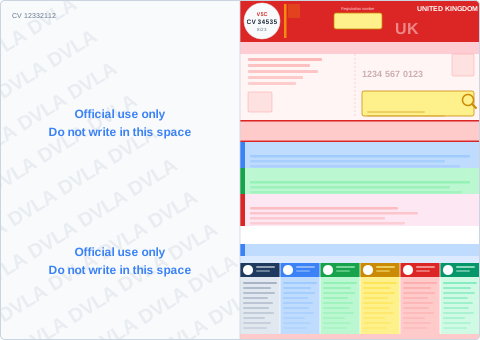
This is the cover page showing the DVLA logo, your registration number, and registered keeper name and address.
Inside of V5C

This is the inside page showing vehicle details including make, model, VIN, date of first registration, and fuel type. The coloured numbered sections (1-6) should also be visible.
Tips for a good upload: - Use good lighting - avoid shadows and glare
- Keep the full document in frame, don't crop edges
- Make sure all text is sharp and readable
- JPG, PNG, HEIC or PDF accepted - max 20MB each